Blog Article
Testing Nvidia Nemo Claw With Hermes Agents
Testing Nvidia Nemo Claw With Hermes Agents explained with the practical workflow, results, and takeaways from the Clearmud video.
I tested Nvidia NeMo Claw because I wanted to answer a practical builder question: can I deploy a Hermes agent system on brev.nvidia.com and use the OpenAI subscription I already pay for?
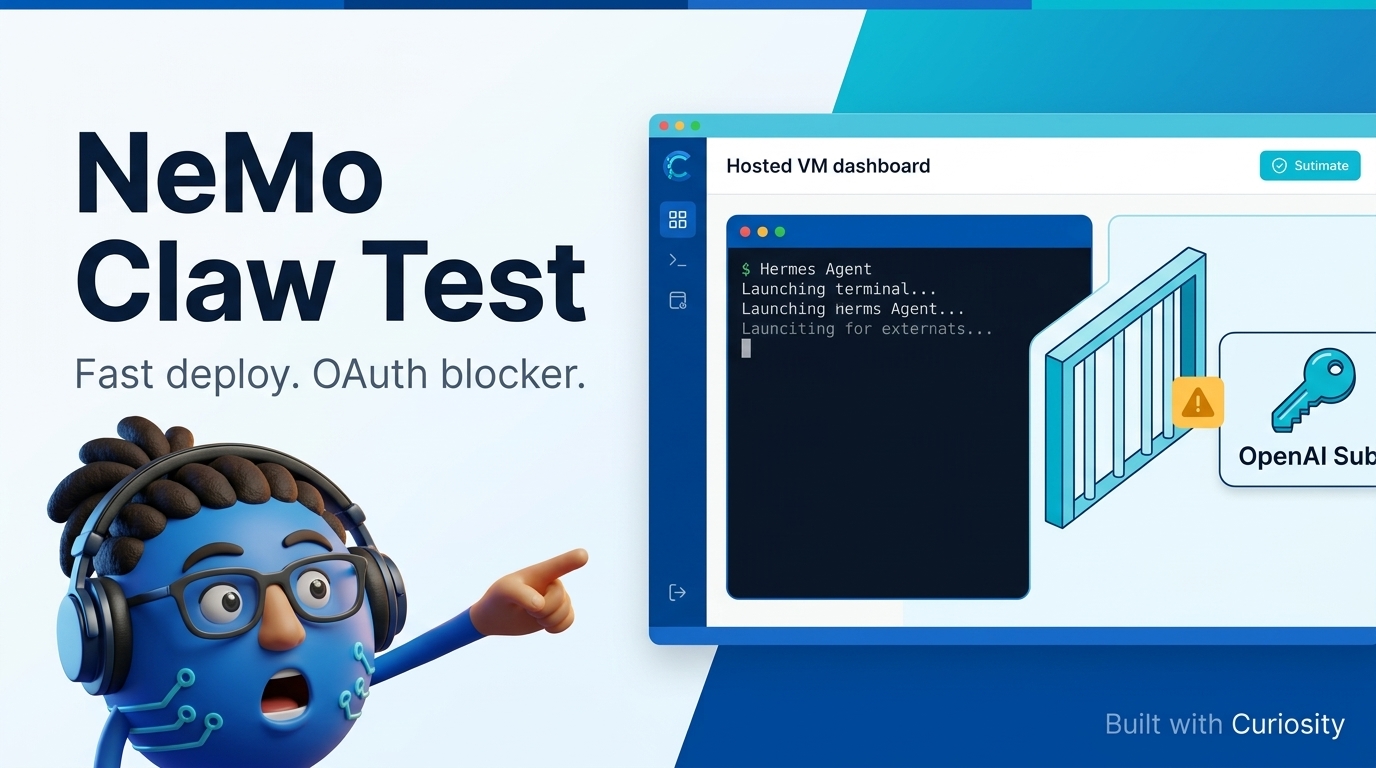
The short version: NeMo Claw deployed quickly, the UI made a good first impression, and Hermes launched faster than expected. But OpenAI OAuth was not simple enough for my workflow, and that changed the verdict.
What I Wanted To Test
This was not meant to be a perfect lab review. I went into it cold on purpose.
The test was simple:
- Can I sign up quickly?
- Can I create a hosted Hermes environment?
- Can I get into agent chat without fighting setup?
- Can I use OpenAI OAuth instead of paying retail API token costs?
- Would I use this moving forward?
That last question is the real one. A tool can look great in a demo and still fail the daily workflow test.
The Setup Was Surprisingly Fast
The first few minutes were strong. Account creation was easy, and creating a new organization was straightforward once the default account name showed my personal name.
The instance pricing shown in the flow was $0.16 per hour. If that runs all day for a month, the rough math is about $115 before model usage. That is not automatically bad, but it is a number you should know before building on it.
After adding credits, the deployment moved quickly. The agent creation UI had some nice details, including the fingerprint visual. I also liked that NeMo Claw exposed a sandbox terminal, VM terminal, and shell TUI.
For a hosted Hermes agent surface, the first impression was genuinely solid.
OAuth Was The Main Blocker
The test started to turn when I tried to use OpenAI OAuth.
I did not want to use a regular API key path if it meant paying retail token costs on top of the hosted VM. I wanted to use the OpenAI subscription I already pay for, the same kind of subscription-based login that matters for OpenClaw and Hermes workflows.
That was not first-click easy.
I tried the normal setup path. I tried terminal routes. I tried talking directly to the agent, because when in doubt, talk to your agent, right?
The agent reported that Hermes was installed and working, but the OAuth device login flow hit a forbidden error. The sandbox appeared to sit behind a proxy blocking the OpenAI endpoint. The suggested path was to run login from the parent host environment or try a proxy bypass if available.
Could there be a workaround? Yes. But that was not the test. I wanted to know whether the experience was simple enough from a cold start.
Why Token Costs Change The Value
For me, this is the key point: hosted agents need the billing model to make sense.
If I am paying for the VM and then paying retail API costs for every agent action, I need a very strong reason to use the hosted path. If I can use my existing OpenAI or Grok subscription through OAuth, the value looks much better.
That is why auth and billing should be tested before the workflow. Do not spend hours building a hosted agent system and only then ask what the login path costs you.
The workflow can be beautiful. The interface can be clean. The deployment can be fast. But if the model access path does not fit, it will not become your daily driver.
Who NeMo Claw Might Be Good For
I still think NeMo Claw has a real use case.
If you want VM-sandboxed Hermes agents tied to specific workflows, and you are comfortable paying API costs, this is worth testing. You could create focused agent profiles, run them in separate environments, and keep them away from your main machine.
If I were doing that, I would avoid assigning too much memory to one setup. I would start smaller, maybe around 4 GB per workflow, then add more environments only when needed.
There is also a security review that needs to happen before putting serious work in a hosted agent environment. Credentials, files, and sandbox boundaries all matter.
My Verdict
NeMo Claw is promising, but I am not using it as my main Hermes path yet.
What worked:
- Fast deployment
- Good first-impression UI
- Hermes chat opened quickly
- Useful terminal options
- Clear potential for sandboxed workflows
What blocked me:
- OpenAI OAuth was not simple enough
- The device login flow appeared blocked inside the sandbox
- The workaround looked manual
- API token costs changed the value equation
So my advice is simple: test NeMo Claw if hosted Hermes agents fit your budget. Wait if your workflow depends on OpenAI or Grok OAuth subscription login.
For my setup, that login path needs to be a default option before I build serious workflows on it.
🎥 Full video: https://youtube.com/watch?v=kTPR4xsYtL4
Subscribe to the Clearmud newsletter for more AI build notes, tool tests, and practical workflows. Then watch the full video to see the exact setup path and where the OAuth blocker appeared.
Watch the full walkthrough on YouTube.
Watch on YouTube